
Visitor check-in form for reception
Replace the paper visitor book. Visitors sign in on a tablet at reception or scan a QR code with their own phone, and you keep a searchable, time-stamped log with signatures that you can export at any time.
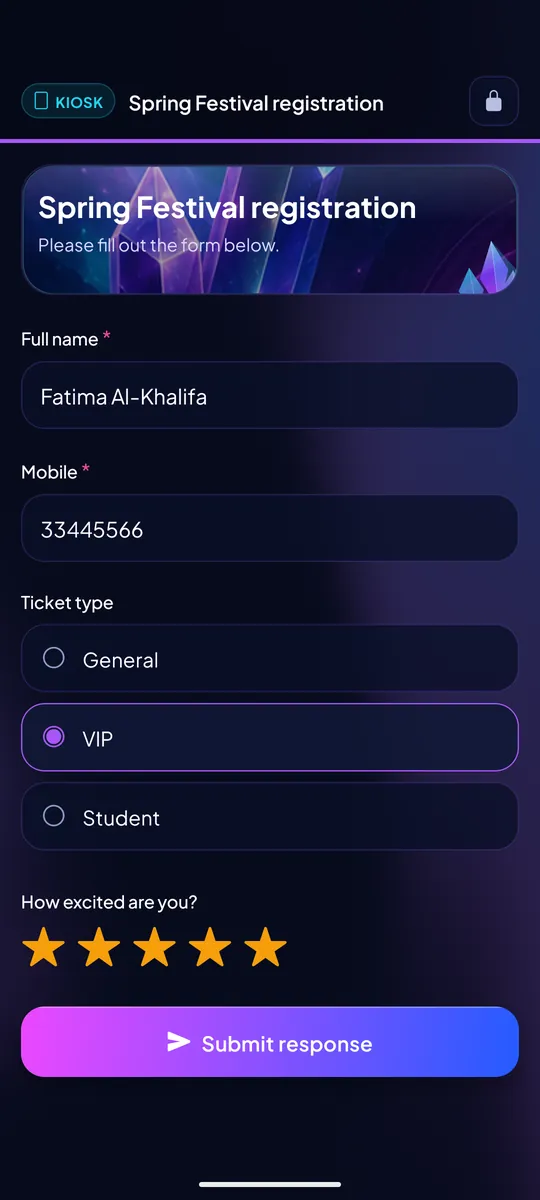
What to include in a visitor sign-in form
Visitor name
Who is on site right now.
Company
Useful for contractors and suppliers.
Mobile number
Reach the visitor in an emergency.
Host (who they are visiting)
So reception can call the right person.
Purpose of visit
Meeting, delivery, interview, maintenance…
Signature
Visitor agrees to your site and safety rules.
Photo (optional)
For high-security sites.
Time in
Added automatically to every response.
How it works
Start from this template
Drag and drop to add, remove or reorder questions, or let AI draft the form on Pro.
Share it anywhere
A link, a QR code, WhatsApp, or embedded on your website.
Act on every response
See every response on your dashboard with a PDF; customers can also send it to your WhatsApp in one tap.
Tips from businesses that use it
- Run a tablet in kiosk mode: it locks to one form, resets after each visitor and needs your PIN to exit.
- No Wi-Fi at the gate? Sign-ins are saved on the device and sent when the internet is back.
- Export the day or month to Excel for security audits in seconds.
Questions
Does it work without internet?
Yes. In the Android app, answers are kept safely on the device and sent automatically when you are back online.
Can visitors use their own phone instead?
Yes. Put the form QR code at the entrance and visitors sign in on their own phone, no app needed.
Is the time of each visit recorded?
Yes. Every response is time-stamped, so you have an accurate log of who came and when.
More templates
Customer feedback form
Star ratings, recommend score and comments, with charts.
Restaurant feedback form
Table QR ratings for food, service and cleanliness.
Job application form
CV upload, experience, visa status and expected salary.
WhatsApp form builder
Customers send their answers to your WhatsApp in one tap.
Build your form free
Sign up with Google and publish your first form in minutes.