Build forms in minutes.
Collect answers anywhere.
Create a form with drag-and-drop or AI, share it by link or QR code, and get every response as a clean PDF on WhatsApp or email.
Design forms,
field by field
Add text inputs, choices, uploads, signatures, ratings and more. Arrange fields visually, resize sections, and preview the form as you build.
Try the builderSend clean PDFs
to WhatsApp or email
Turn each completed form into a branded PDF and deliver it to the right channel, ready to review, share, or archive.
See all featuresShare with a link,
QR code, or embed
Publish forms anywhere your customers are. Use direct links, printed QR codes, or embedded forms to collect responses without extra setup.
Start from a templateTrack every answer
from your dashboard
Monitor submissions in real time, review charts and widgets, export CSV files, and keep customer data organized.
Collect on site,
even offline
Turn any phone or tablet into a kiosk for events and reception desks. Answers stay safe without signal and send themselves when you are back online.
One builder. Every form.
Create, publish, deliver and analyze forms without juggling spreadsheets or scattered tools.
Drag & drop builder
Build multi-step forms with field types for text, files, ratings, choices and signatures.
WhatsApp delivery
Forward completed forms and customer responses to WhatsApp when the work needs to move fast.
PDF & email
Generate branded PDFs from submissions and send them by email for easy records.
QR & share links
Share forms with links, QR codes, or embeds and collect responses from anywhere.
AI form builder
Describe the form you need, or scan a paper form, and AI drafts the fields for you.
Photos & signatures
Collect photos, file uploads, signatures, ratings and dates right inside the form.
Live reports
See responses as they arrive, with charts, trends and CSV export for every form.
Android app
Build forms, fill them on site, and review responses from your phone.
Start from a template
Choose a ready-made form for bookings, events, check-ins or feedback, then customize it in minutes. The Android app includes 15 more.
Restaurant Review
Rate food, service and cleanliness, and collect numbers for offers.
Create review formYour forms,
in your pocket.
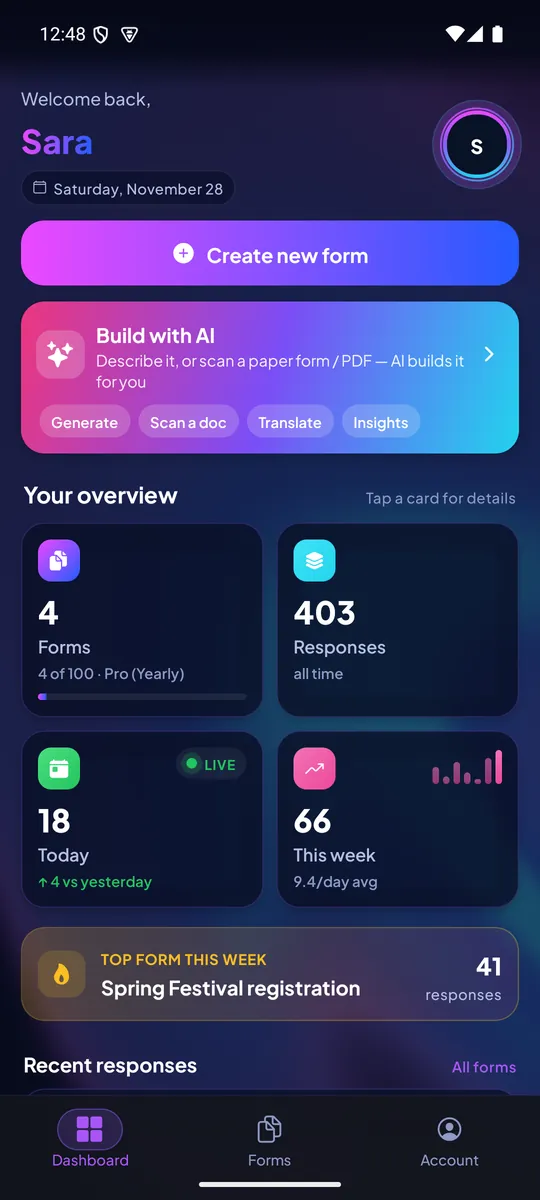
Take FormBuilder on site. Create forms, collect answers face to face, and check results the moment they come in.
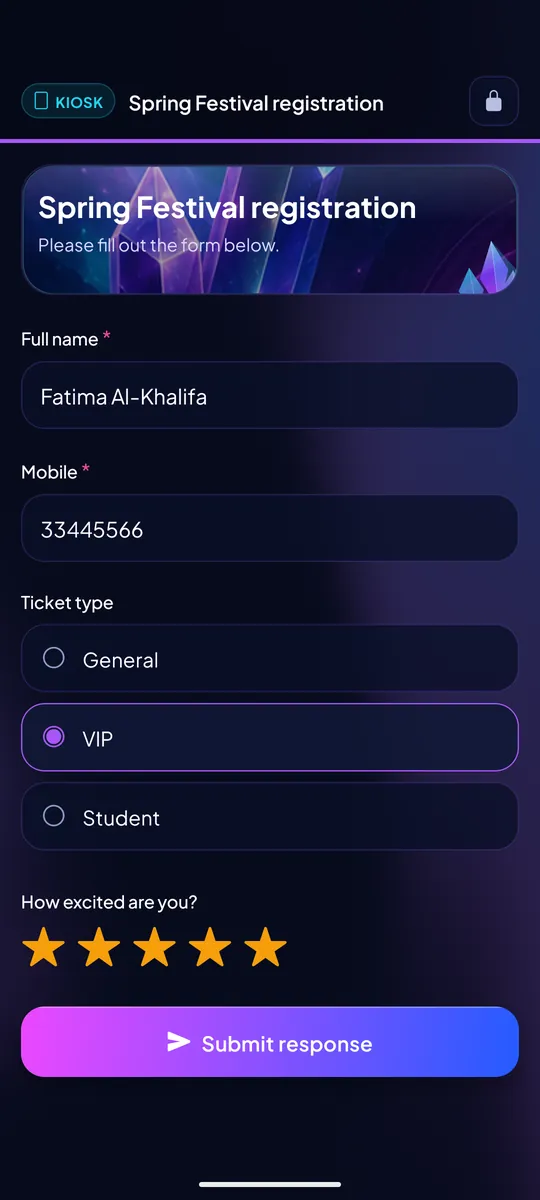
- Kiosk mode for events
Lock a phone or tablet to one form. It resets after every person and needs your PIN to exit. - Works without signal
Answers are kept safe on the phone and sent automatically when you are back online. - Photos, signatures & QR
Capture from the camera, share by QR, and respondents need no app or login. - Excel export & review status
Search, filter and mark responses, then export them to Excel in one tap. - Home-screen widget & app lock
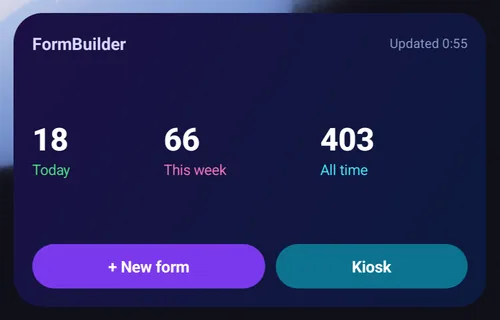
Today's responses at a glance, protected by your fingerprint or face.
Free on Android 7 or newer. Sign in with the same account you use on the web.
Plans that scale with you
Transparent pricing with no hidden charges. Start free, then upgrade when your forms grow.
- {C} 1 form
- {C} Multi-step forms
- {C} Shareable survey links
- {C} Unlimited submissions
- {C} Real-time responses
- {C} Up to 100 forms
- {C} Dashboard widgets & charts
- {C} Export submissions (CSV)
- {C} Custom branding
- {C} Priority support
- {C} Everything in Pro Monthly
- {C} Up to 100 forms
- {C} Custom branding
- {C} Export submissions (CSV)
- {C} Priority support
Prices in US dollars. Start on the Free plan and upgrade from your dashboard whenever you need more forms.
Questions, answered
A no-code form builder for creating forms, sharing them by link or QR code, delivering PDF responses, and tracking submissions.
Yes. Every submission can become a clean PDF that is easy to send by WhatsApp or email.
Publish a shareable link, generate a QR code, or embed the form on your website.
Yes, the Free plan gives lifetime access to one form with unlimited submissions and real-time responses.
No — FormBuilder runs in your browser, so you can just sign in and start building. There is also an Android app if you want to build and collect responses from your phone.
Build your next form with confidence.
Sign up with Google, choose a template or start from scratch, and publish your first form in minutes.
Build your first form free